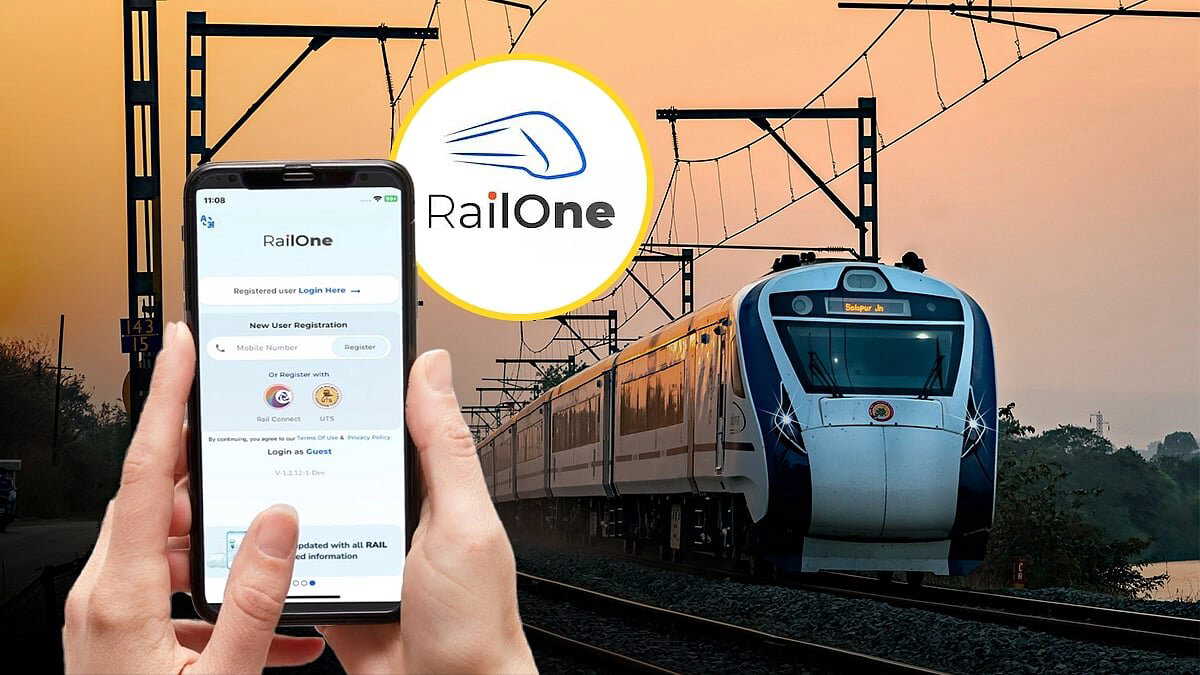
Indian Railways has launched RailOne, a new 'super app' for passengers. With this, the separate UTS app will be discontinued from March 1. From now on, local and long-distance train tickets can be booked in one place.
The move ends the need to use multiple apps and remember different IDs and passwords. The RailOne app combines services earlier available on UTS and IRCTC Rail Connect.
What can you do on RailOne?
Passengers can book unreserved (local) and reserved (long-distance) tickets. They can check PNR status. They can search trains by time and number. Real-time train tracking is available. Food can be ordered for long-distance journeys. Ticket cancellation and refund can also be done in the app.
Also Read | 'I tried to get her out': 911 audio emerges in Florida child death case | WATCH
How to log in?
If you already use UTS or IRCTC Rail Connect, you can log in with the same ID. Your details will be updated automatically. You will need to create a new password or mPIN in RailOne.
If you are a new user, select 'New User Registration' and create a profile with your mobile number and OTP.
How to book tickets?
For local trains, go to the 'Unreserved' option. Select your boarding and destination stations. You can pay through UPI or R Wallet. Monthly and seasonal passes can also be booked and renewed.
For long-distance trains, go to the 'Reserved' option. Enter travel details. Search by date, class, and quota. If you already have an IRCTC ID, it will sync automatically.
Also Read | Samsung Galaxy S26 with Gemini AI and privacy mode: Here’s the full breakdown
What about UTS tickets and wallet?
Open the UTS app and click 'Transfer Ticket'. Select your seasonal pass. Download RailOne if needed. Your pass and wallet balance will move to RailOne.
Downloading the app is free. Fare and service charges will apply. For help, passengers can call 139, the toll-free railway helpline.