Do you want to update the mobile number linked to your Aadhaar but are getting stuck because the entire process feels hassling? To solve this problem, the government has now rolled out a single fix.
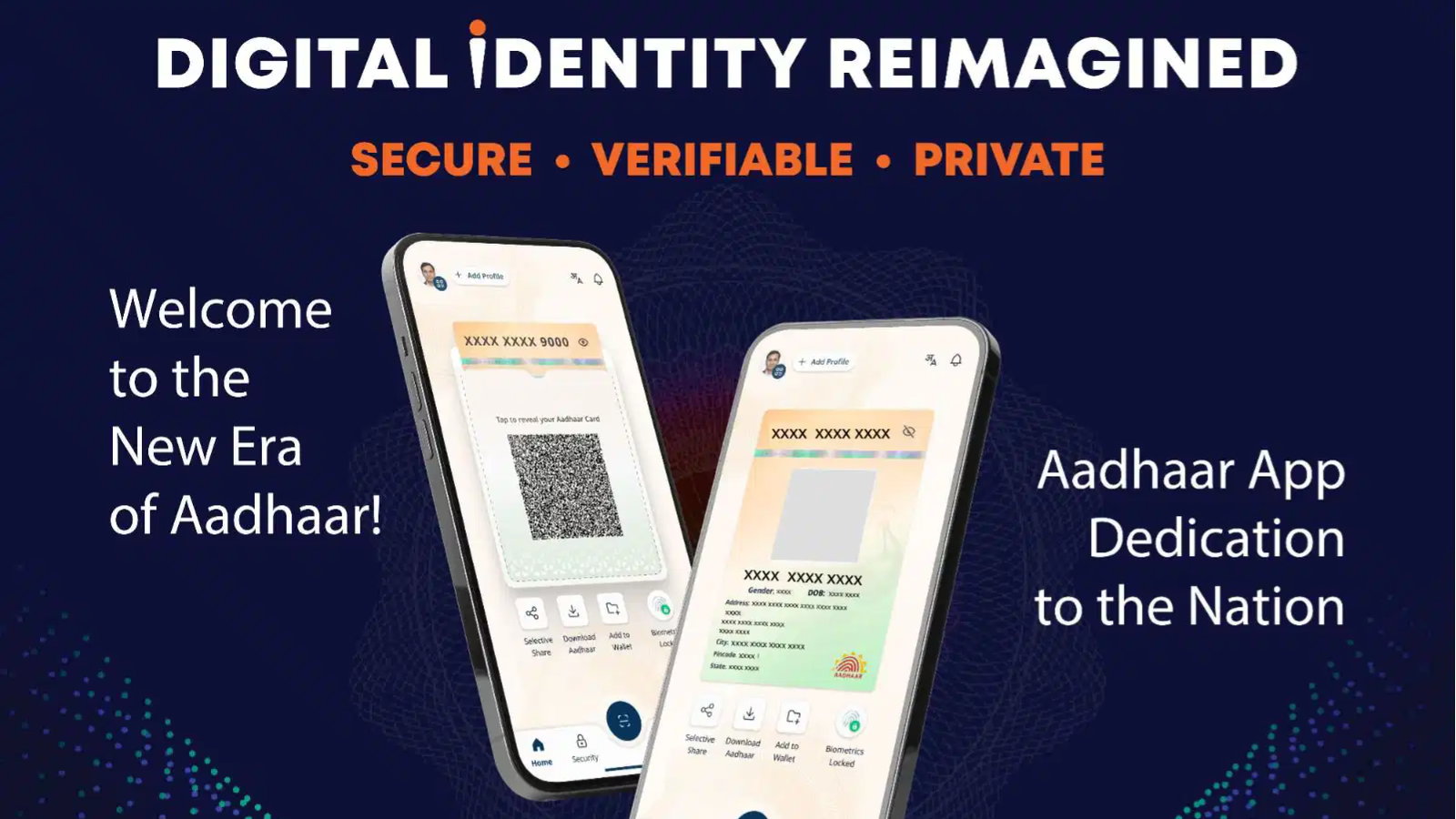
The Unique Identification Authority of India (UIDAI) has released a new App for Aadhaar users which offers offline verification, selective sharing of information and also allows for the updating of mobile phone numbers in order to make managing your digital identity easier, safer and more convenient using your smartphone.
In a post on its X on January 27, UIDAI said, "Aadhaar is expanding its service options to allow Aadhaar number holders to update their mobile number from anywhere, anytime. The full version of the Aadhaar App arrives on 28 January 2026."
Also Read | You can now use ChatGPT, Claude or Gemini to order from Swiggy instantly
Here's a clear guide to what the new Aadhaar App provides, where you can download it and how it will help to reduce your reliance on paper copies of your Aadhaar card.
Family travel often means managing kids, luggage and individual identity documents.
— Aadhaar (@UIDAI) January 27, 2026
The new Aadhaar App can make identity checks quicker and seamless using one App.
The full version of the Aadhaar App arrives on 28 January 2026.#Aadhaar #SmartTravel #NewAadhaarApp #MydigitalID… pic.twitter.com/1ZAeon8mU8
Simplifying day-to-day usage
The new Aadhaar app is claimed to simplify day-to-day usage of Aadhaar by making it more manageable, secure and accessible. UIDAI highlighted that despite many advisories and warnings about the risks involved, many people still continue to share photocopies of their Aadhaar cards for hotel bookings, obtaining SIM cards, verifying identity at a workplace, putting themselves at risk of having their data compromised.
To combat this problem, UIDAI will use the new App to allow users to verify their identity offline without having to reveal the Aadhaar number or biometric information when doing so, making the process safer and more regulated for regular purposes.
Additionally, the App will enable users to update their key information such as mobile numbers and addresses, as well as provide the ability to share certain aspects of their Aadhaar information, without having to physically provide the recipient with a copy of their Aadhaar card.
Downloading the App
The new App can be downloaded easily from Android and IOS stores. The users just have to search for the official "Aadhaar" App by UIDAI and download and install it. Once intalled, the preferred language can be selected and the App is ready for use.
Also Read | Will you now have to spend on Instagram and WhatsApp usage? Here's what Meta's new plan can bring
Offline Aadhaar verification
Once users download and set up the App, they need to verify their identity offline with no Internet access, without exposing any personal information. Users can verify Aadhaar through the following two methods:
ID sharing: Users can create an Aadhaar file on their device that contains all of their personal information, but will have the option to select which information they provide with password protection. They will be able to share their name and age, or both.
QR code scan: Users can scan the QR code presented to them by the person they're verifying against. The QR code will automatically verify the user's identity and will not require them to provide any paper documentation to complete the verification process.
How to update phone number and address?
Users can also use the Aadhaar App to change and update their mobile phone numbers and addresses. Here's how you can do that:
First, download the App to your phone. Once it is installed, open the App, sign in using Aadhaar-based authentication, and then click on the 'Update Aadhaar details' link on the main page.
Next, select whether you are updating your mobile number or your address, enter the new information and click on the request for verification.
Follow the prompts to complete the authentication process within the App. There will be a small fee that you will have to pay if you decide to change your mobile phone number or your address.
The update will be processed and appear in the Aadhaar database after the change has been verified.