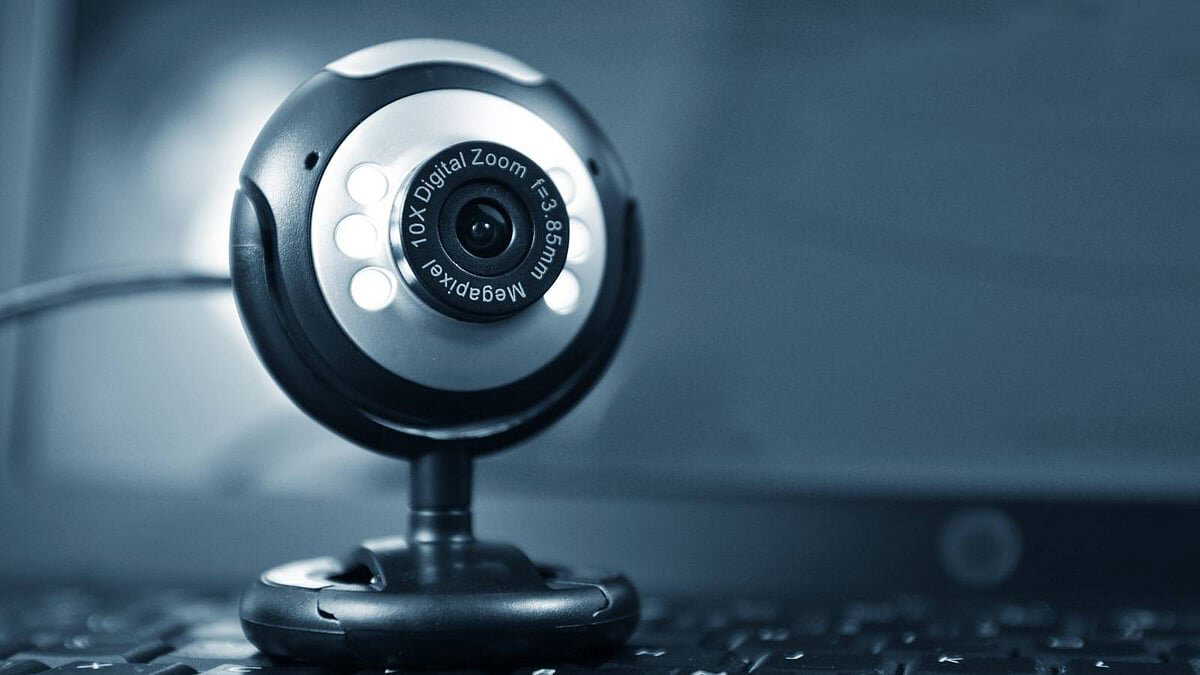
Whether it's work from home or online meetings, since the coronavirus pandemic period, the necessity to use webcams on computers, laptops, tablets or smartphones for work has increased manifold. Even now, many organisations are carrying out their operations online or in hybrid mode. Besides, we also turn on webcams for intimate conversations with our loved ones at home and abroad. But this can raise major privacy concerns. However, cybercriminals can take control of these webcams and fulfil their ill intent in various ways, such as carrying out surveillance, data collection that can lead to data leaks, blackmail and many more. Here is what to do and what not to do -
When using a webcam, carefully check its positioning, framing, and whether there are any abnormalities in the settings. Because fraudsters often hack webcams and can change framing, zooming, and other aspects of the camera, according to their needs.
Also Read | How do astronauts handle menstruation in space? Here's what NASA's latest research says
When you don't need to turn on your webcam, cover the camera with tape. Use it by removing the tape and then covering it again once done. When installing any app, be aware of which software you're giving access to your webcam. It is better not to allow an app to access the webcam.
Along with licensed antivirus software, also install anti-spyware software on your computer-laptop or smartphone. Then, malicious links will get detected much earlier.
Never download or even click on any suspicious attachments sent from unknown email addresses. They might contain Trojan malware files that can take control of the webcam or even the device remotely. Be cautious so that no one can take control of the webcam.
Also Read | 5 powerful AI prompts to generate ultra-realistic photos without any technical knowledge
Even if you receive a suspicious email from a known person, alert them too, so that they don't forward it to anyone else again. If necessary, along with covering your webcam, you can also go to settings and disable it. You can enable it again as needed and work. That's safer to do.
Regularly update all software on your computer. Because security features also get updated with it. If that stays updated, you can be quite reassured. Keep the firewall network enabled on your computer, laptop or smartphone. The firewall creates a security shield against the malicious programs on the Internet. It helps filter all incoming and outgoing traffic of your computer. Then your gadget will be quite safe. You will also be reassured.