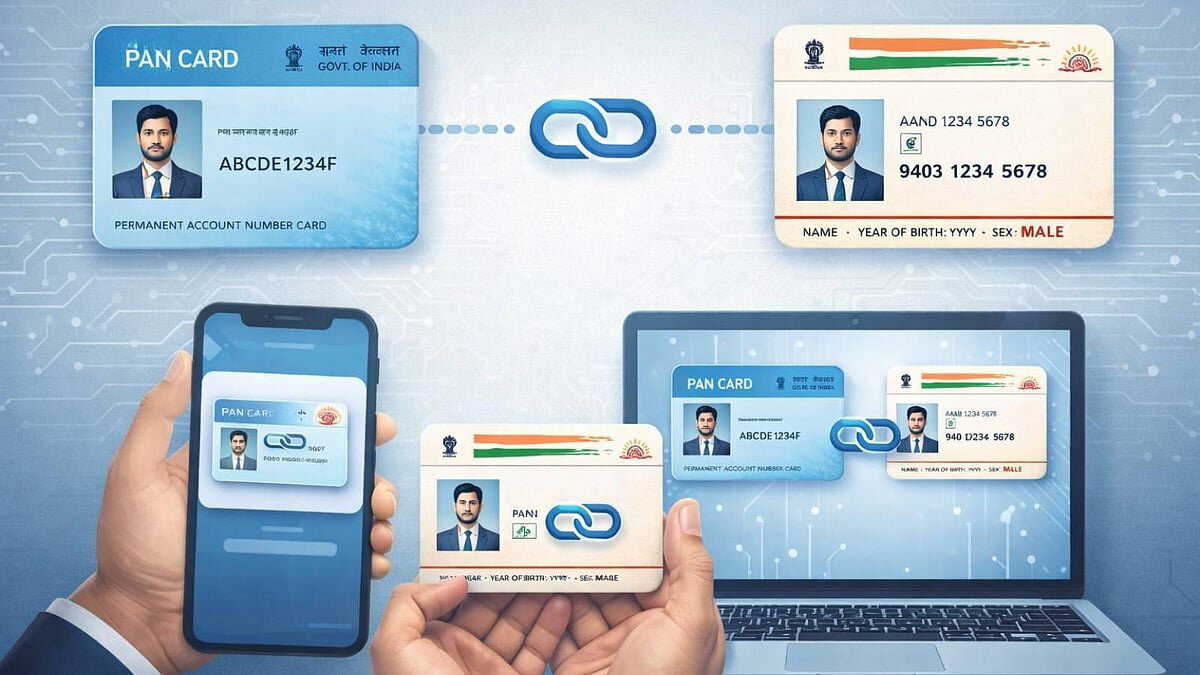
Linking PAN with Aadhaar number is mandatory by December 31, 2025. If not linked within this timeframe, PAN may become inactive. The Income Tax Department has stated that failure to comply with this rule may lead to various tax-related problems.
In a notification issued on April 3, 2025, the Income Tax Department announced that those whose PAN was issued through Aadhaar number before October 1, 2024, must link Aadhaar-PAN by the end of this year.
Also Read | Fake e-challan scam spreads nationwide, over 36 phishing websites uncovered
When applying for a new PAN card, Aadhaar-PAN linking is completed automatically. However, existing PAN holders need to do this separately. Both registered and unregistered taxpayers on the e-filing portal can use the Aadhaar-PAN linking service.
What is required for linking?
– Valid PAN number
– Aadhaar number
– Valid mobile number
How to link Aadhaar-PAN online?
Step 1: Go to the Income Tax e-filing portal and click on 'Link Aadhaar' option from 'Quick Links'. Alternatively, you can log in and select this option from the profile section.
Step 2: Enter PAN and Aadhaar numbers.
Step 3: Click 'Continue' to go to the e-pay tax option.
Step 4: Confirm the PAN number and provide a mobile number. An OTP will be sent there.
Also Read | Google Disco turns web searches into smart workspaces. Here's how to do it?
Step 5: After OTP verification, you will be redirected to the e-pay tax page.
Step 6: Click 'Proceed'.
Step 7: Select the relevant assessment year. Choose 'Other Receipts' as payment type.
Step 8: The specified amount will be displayed automatically. Click 'Continue'.
Step 9: Log in to the e-filing portal again. Go to the profile section on the dashboard and select 'Link Aadhaar to PAN'.
Step 10: Enter the Aadhaar number and click 'Validate'.