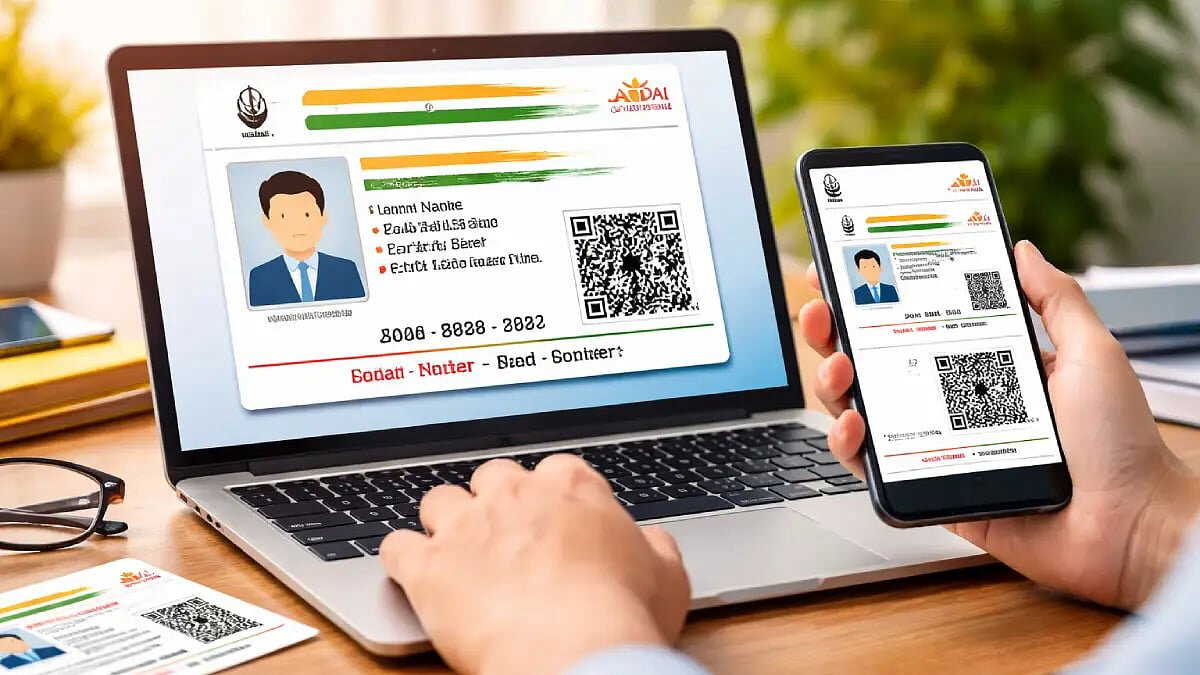
Aadhaar is now required for many services. But carrying the physical card everywhere can be inconvenient. Sharing the full Aadhaar number or giving biometric details for verification can also feel risky. To address this, the Unique Identification Authority of India offers a 'Paperless Aadhaar' facility for offline e-KYC.
This service allows citizens to verify identity without sharing their full Aadhaar number. It works through a digitally signed XML file downloaded from the official UIDAI website. The file contains basic details such as name, address, date of birth, gender, and photograph. The registered mobile number and email ID are included in masked form. Only the last four digits of the Aadhaar number are visible.
How to download Paperless Aadhaar
Users need to visit the official website of the Unique Identification Authority of India at uidai.gov.in.
On the website, go to the Paperless Aadhaar e-KYC section. Enter the Aadhaar number and the security code shown on the screen. Then click on 'Send OTP'.
Also Read | ‘Designed to work consistently’ : Samsung Galaxy S26 series launched,check all details here
An OTP will be sent to the registered mobile number. It is also available on the m-Aadhaar app. After entering the OTP correctly, the user must set a Share Code. This Share Code acts as the password for the downloaded file.
The document can then be downloaded as a ZIP file. Inside it is the XML file that can be shared when required.
How it can be used
To use Paperless Aadhaar, the user shares the downloaded XML file along with the Share Code. The receiving party can open the file using that code and verify the details offline.
Also Read | UTS to RailOne: How to book tickets on the new Indian Railways app? Key details inside
This method allows identity verification without disclosing the full Aadhaar number or providing biometric data.
Paperless Aadhaar can be used for KYC processes in banks, while purchasing SIM cards, and for other services that require identity verification.