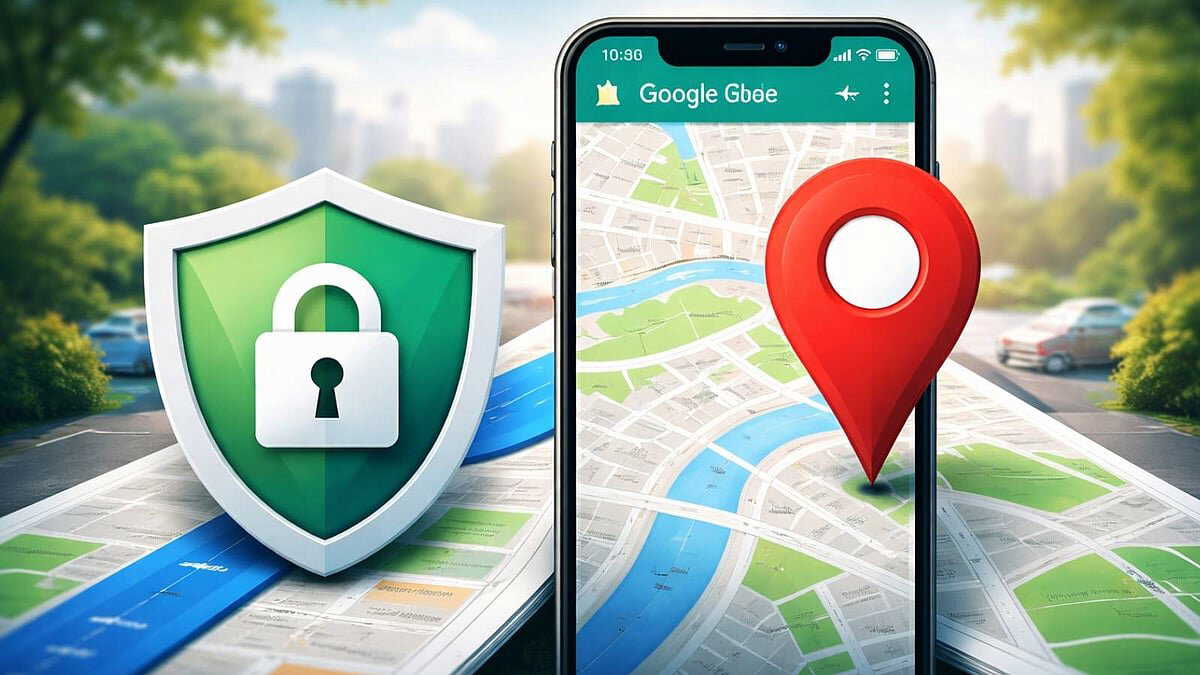
Google Maps has become a huge part of almost everyone's daily life. Be it during travelling to new places or escaping a traffic jam, taking a more unconventional road, Google Maps comes in handy every time. This digital map usually works using the GPS signals from one's device.
However, the question arises: Does one turn off the GPS after they are done using Google Maps? Because even if someone does, using any Google app continues to send location data to Google’s servers. As a result, a record of the user's wherebouts keep getting saved on Google Maps’ timeline.
Also Read | How AI assistants and smart gadgets are transforming everyday life in 2026
To get relief, many users turn off location services and delete their Maps timeline. However, even after doing this, location details can remain stored. These data points may later be used for targeted advertisements.
In such cases, regularly visiting the ‘My Activity’ page and deleting activity proves more effective. Still, the most reliable solution is to use alternative map applications that place greater emphasis on privacy.
Alternatives and privacy settings that matter
Although the 'Waze map' app is popular, it is also owned by Google, which means similar concerns remain. 'Apple Maps' offers strong privacy protection, but its usability is limited without an iPhone. Some alternatives, such as 'MapQuest' and 'HereWeGo', provide workable options for users looking to reduce tracking.
Along with switching apps, making changes in smartphone settings is equally important. Many users turn off location access but leave Location History, Web & App Activity, or Background Location Access enabled. As a result, even when apps are closed, phones continue to send location data in the background.
Also Read | WhatsApp’s end-to-end encryption faces scrutiny as global users sue Meta
On Android devices, it is better to manage permissions for each app individually through Location Settings. If location access is not essential, selecting ‘Allow only while using the app’ is safer than keeping ‘Allow all the time’ enabled. Regularly checking the timeline to see which location data is being stored and deleting it helps maintain stronger privacy controls.