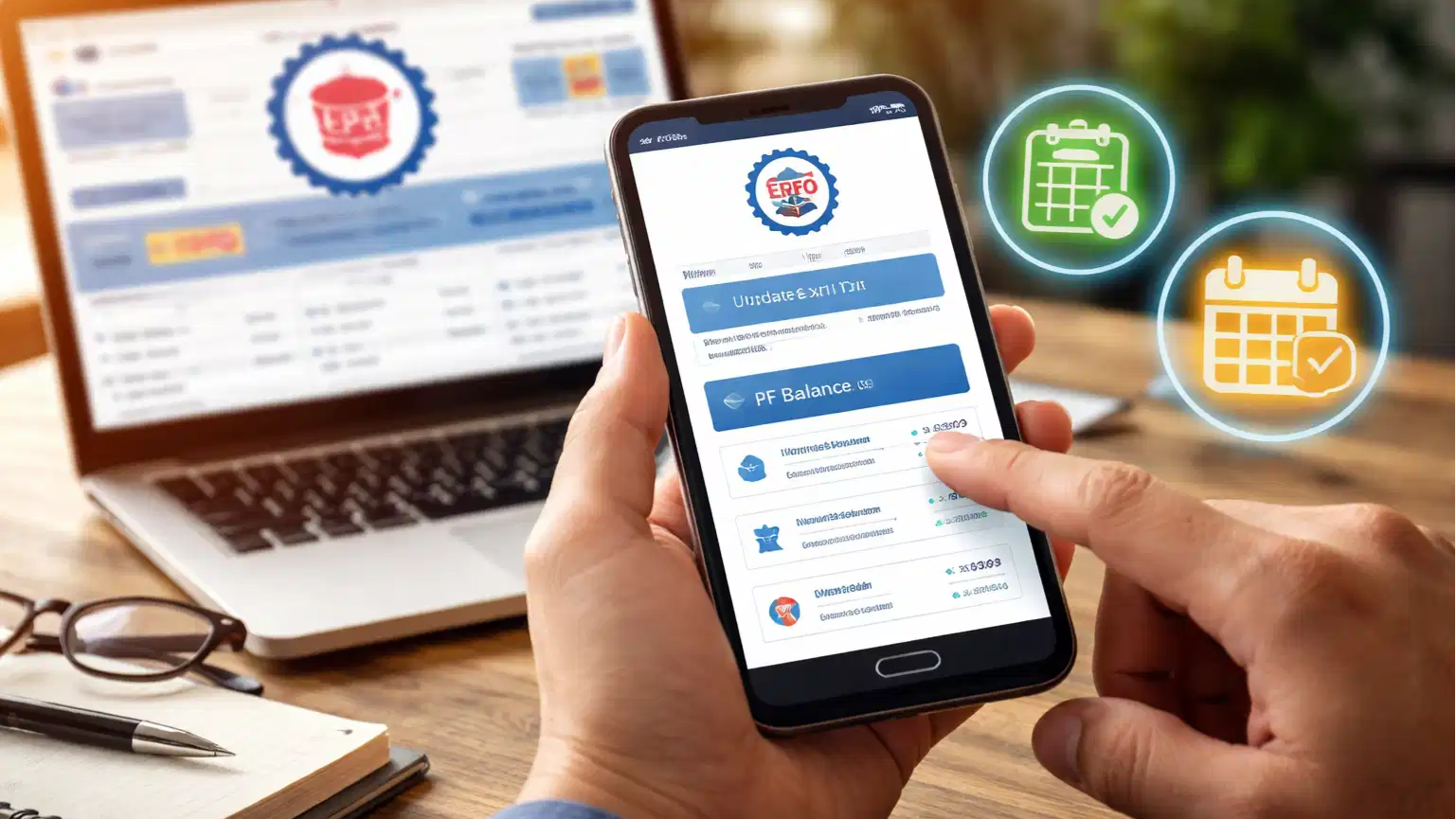
Many PF members face difficulties because the date they left their job has not been recorded on the portal.
To resolve this, you do not need to make repeated visits to your former employer's office or any government department. You can update your "date of Exit" (DOE) on the EPFO portal online, directly from your mobile phone.
Why update DOE?
Without an updated DOE, employees cannot withdraw their entire PF balance.
Additionally, to withdraw the pension amount by filling out Form 10C, it is mandatory to have the date of leaving the job recorded.
Also Read | Old Gmail ID bothering you? Here's how you can change your email address without losing data
Updating the employee details on the EPFO portal is also essential for transferring funds from their previous employer's account to your new account.
How to update the date of exit on the EPFO website?
The process to update the date of exit on the EPFO website is quite simple. Employees should follow these systematic steps.
First, employees should search for "EPFO" on Google, then visit the official 'Member Unified Portal' website, and log in using their UAN and password.
After they are logged in, they should navigate to the 'view' tab and click on 'service history'. Employees will need to update their DOE if the 'date of exit' listed next to their previous employer's name shows as ‘not available.’
The exit date for the previous employer must always precede the joining date for the new employer.
Next, clicking on the 'manage' tab located at the top of the page and selecting the 'mark Exit' option from the bottom of the menu.
From the menu that appears, employees should select the specific previous employer for whom they wish to update the 'date of exit'.
A short form will now open on their screen.
The date of leaving the job (i.e., the Date of Exit) should be selected, and the ‘short service’ under the 'reason of cessation' category should be chosen.
Finally, employees should check the box to accept the terms and click on 'request OTP'. They will receive an OTP on the mobile number linked to their Aadhaar.
After entering the OTP, the changes made need to be submitted. The date of exit will be updated immediately, and employees can also verify this by navigating to the relevant section within the service.
60-day wait must
Employees cannot update their DOE immediately after leaving a job; they must wait for a period of 60 days before doing so.
Also Read | Got a QR code for payment or reward? This common mistake could drain your account
Ensuring that the DOE always precedes the date of joining the new company. If these two dates overlap, the EPFO may treat this as a technical error and withhold your funds.
When updating your DOE, the actual date of employment cessation should be selected.
When updating the DOE online, employees will be asked to specify the reason for leaving the job. They may select either the 'short service' or 'cessation' option. Selecting an incorrect reason could lead to complications in receiving their pension benefits.
Lastly, since this entire process is OTP-based, it is mandatory that the Aadhar card is linked to the employee’s mobile number, and that they have access to it, and the number remains active at the time of the update.