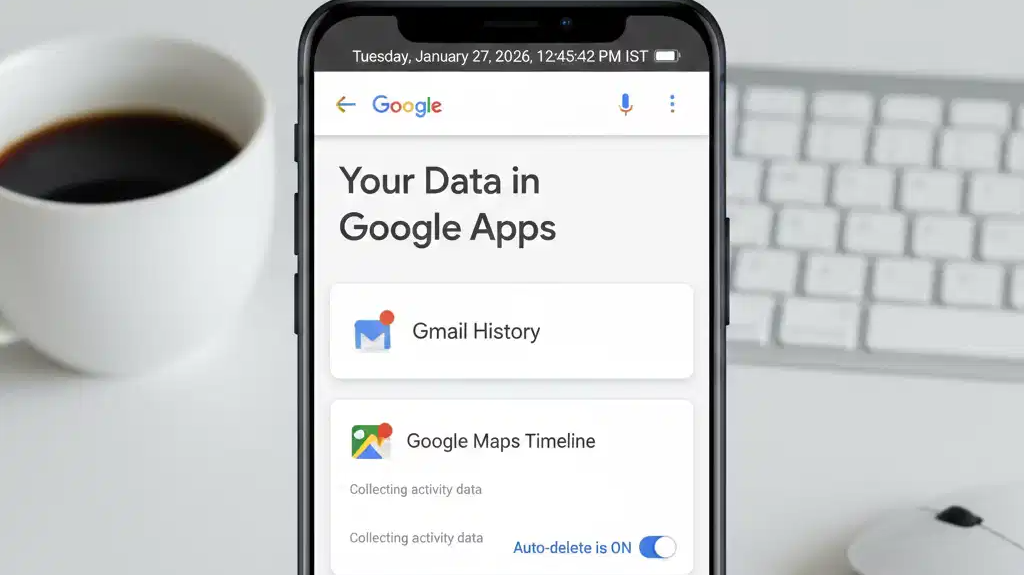
Smartphones today rely heavily on Google-powered services such as Gmail, Maps, YouTube, Chrome and the Play Store. These apps help users navigate, communicate and access content with ease. At the same time, they collect and store user data in the background and that often happens without people actively checking what is being saved.
Google allows its users to view and control this information through account settings. Knowing where to look can help users understand what kind of data is stored and how it is used.
Also Read | How AI assistants and smart gadgets are transforming everyday life in 2026
What information Google collects from smartphones
Google collects several categories of data linked to a user’s account.
If location services are enabled, the company stores location history, including places visited, travel routes and time spent at specific locations. Search activity is logged when users look up information through Google Search or Chrome.
YouTube saves watch history, including the videos viewed and viewing duration. Voice commands given through features such as “Ok Google” or “Hey Google” may also be recorded. In addition, Google tracks basic app usage, such as how often apps are opened and used.
How to check data stored by Google
Users can view their data directly on their phones.
Open Settings, tap Google, and select Manage your Google Account. Go to the Data and Privacy tab. Here, sections such as Web & App Activity, Location History, and YouTube History are listed.
Tapping on each section shows detailed records of stored activity, including dates and types of data collected
How to limit or manage data collection
Google provides tools to reduce or stop certain types of data storage.
Also Read | Claude brings AI into Excel workflows with new Pro features; internet reacts with jokes and debate
Users can turn off Location History to stop tracking of movement. The Auto-delete option allows activity data to be deleted automatically after a chosen time period. Ad Personalisation can be disabled to limit targeted advertising.
Voice and audio activity can also be paused to prevent voice commands from being stored.
Much of the data collected is tied to everyday phone use, making it easy to overlook. Regularly reviewing account settings helps users stay informed and avoid storing information they may not want saved long-term.