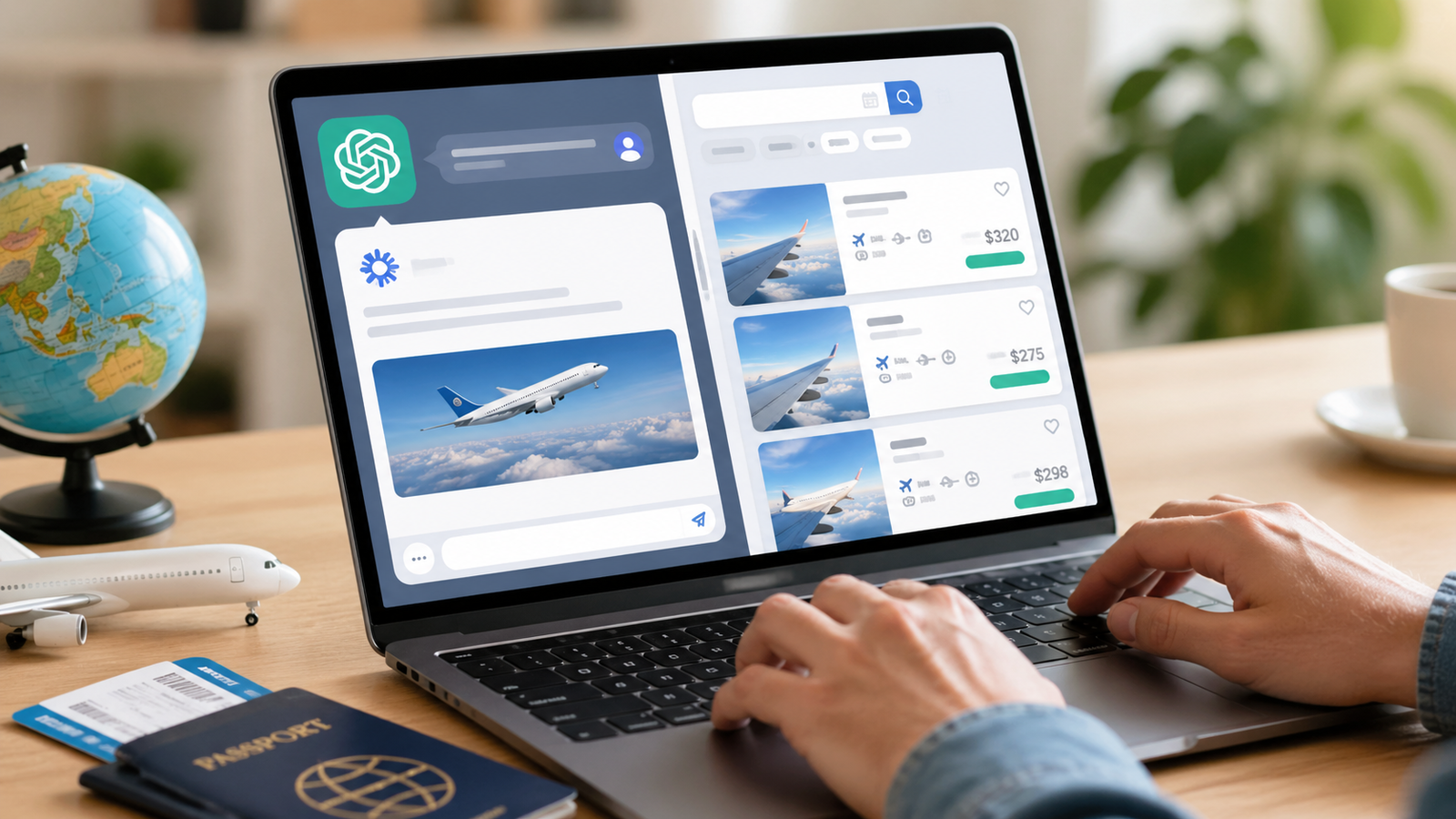
Travel search is getting more conversational. Skyscanner is now operating its app in ChatGPT that allows Indians and people around the world to search for flights, compare prices and plan their trips through natural language.
What the integration brings
As a result, customers do not have to go through different websites one by one to make a decision. All they have to do is enter a question, like finding out about the lowest-priced flight between two places, and the answers would be given to them in an organised way. This is done using Skyscanner's price comparison system, which uses listings by many travel services.
The system also allows ongoing interaction. Travellers can tweak dates, switch airports, or explore alternate routes simply by continuing the conversation. This makes the process more flexible compared to traditional search methods.
Speaking about the feature, Skyscanner’s Chief AI Officer Piero Sierra said, “We’ve been at the forefront of cutting-edge flight search, ensuring that travellers have all the right tools to reduce friction and give them more confidence in finding the right flight for them. Travellers can now access the Skyscanner app in ChatGPT to search for the best options and flight prices for their trip.”
Also Read | OpenAI launches GPT-5.5, eyes future with all-in-one AI 'super app'
The company’s 2026 Travel Trends report also highlights growing comfort with AI tools. It notes that 86 per cent of Indian travellers feel confident using AI to plan their journeys.
How to use the Skyscanner app in ChatGPT
Getting started involves a few simple steps:
Open ChatGPT and go to the GPTs or apps section
Search for Skyscanner and install it
Start a new chat and mention the app using “@skyscanner”
Enter a request in natural language, such as searching for flights between specific cities
Review the displayed options and refine details if needed
Click through to complete the booking on Skyscanner
Also Read | Recharge your phone on WhatsApp? New feature rolls out across India
New feature for Football fans
Apart from all of that, Skyscanner also launched a flight tracking app with a football theme called "Football Flight Finder." The new app tracks fares and makes it easier to travel to several locations by utilising artificial intelligence.
These two upgrades show how the company is focusing more on offering personalised services using AI-based tools.