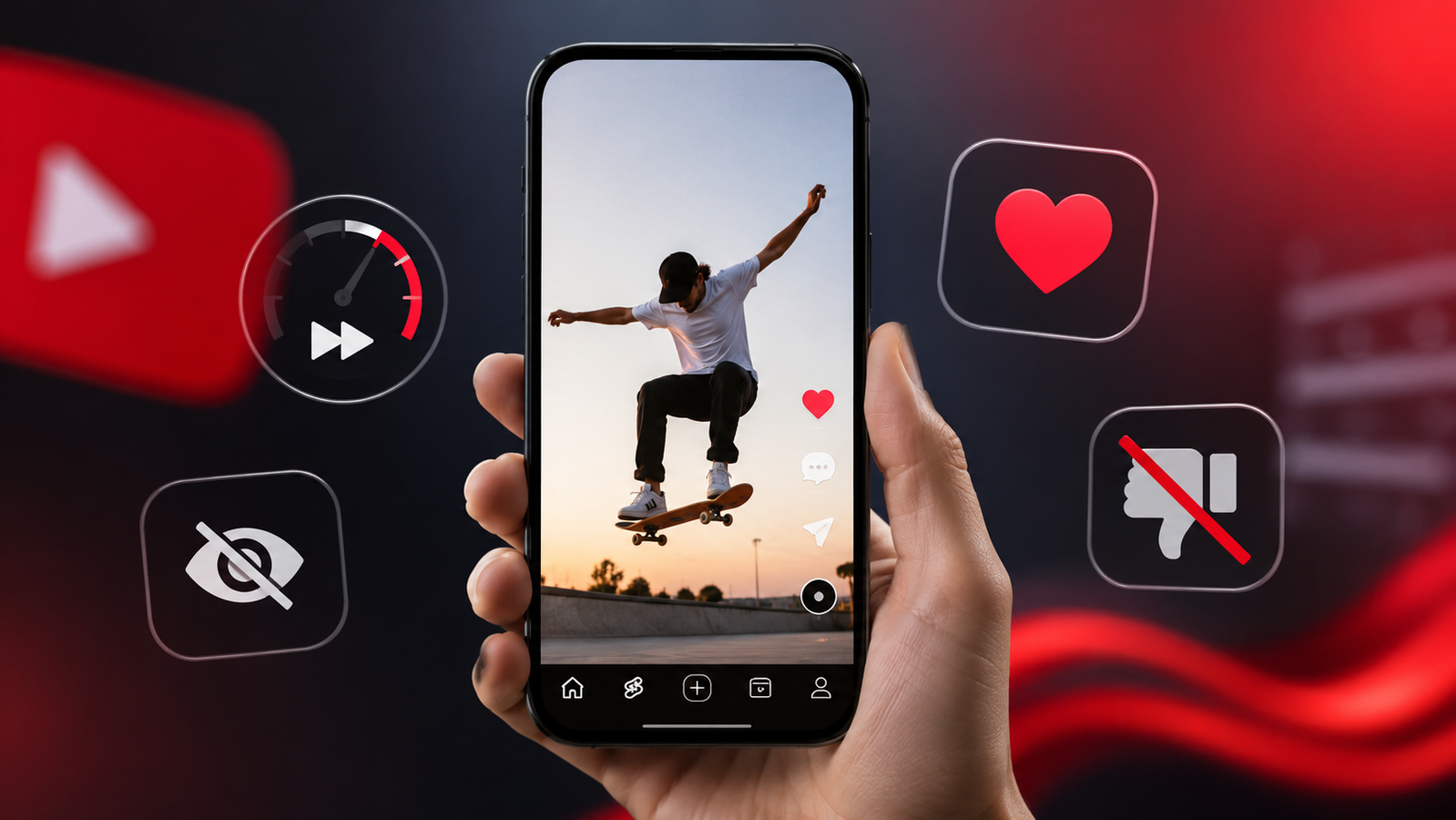
YouTube is rolling out a series of updates for Shorts, introducing faster playback, a cleaner viewing interface and changes to how users interact with short videos. The latest additions include a 2x playback option, a new Clear Screen mode, redesigned engagement controls and improved personalisation tools.
While the update does not change how creators publish Shorts, it is designed to improve the overall viewing experience for users. The features will be released gradually, although YouTube has not announced a specific rollout timeline.
A simpler Shorts viewing experience
According to YouTube, the latest update is intended to reduce clutter and make navigation more seamless. In its announcement, the company said the goal is to "streamline the Shorts viewing experience." It added that the changes are meant to "reduce visual noise, improve navigation and make it even easier for people to dive in."
Also Read | Google to allow external payments on Play Store from June 30
Instead of adding several new features, YouTube is focusing on making everyday viewing feel more intuitive by simplifying the interface and giving users better control over how they watch Shorts.
2x playback and Clear Screen mode arrive
One of the biggest additions is support for 2x playback speed in Shorts. The feature allows viewers to watch videos faster or quickly move through sections without manually scrubbing the timeline. Playback speed controls have long been available for regular YouTube videos, and the company is now bringing a similar option to Shorts.
Another new feature is Clear Screen mode, which temporarily hides on-screen icons and interface elements while a Short is playing. This gives viewers a less distracting experience, especially when watching visually rich content such as travel clips, recipes, films or art videos.
Like button replaced with heart reaction
YouTube is also changing how users react to Shorts. The traditional thumbs-up Like button will be replaced with a heart reaction, while the Dislike button will no longer appear on Shorts.
Also Read | Fed up with algorithms? Meta offers more control over your social media feed
Instead, viewers who do not want similar content can continue using options such as "Not Interested" and "Don't recommend this channel" to personalise future recommendations.
In its official blog post, YouTube said the updates are intended to create "a more intuitive Shorts experience" and help viewers "watch, engage, and personalise the shorts they enjoy."
FAQs:
How to use 2x playback on YouTube Shorts?
The 2x playback option will be available to eligible users as YouTube rolls out the feature gradually.
How to stop unwanted videos on YouTube Shorts?
Select "Not Interested" or "Don't recommend this channel" to personalise future Shorts recommendations.