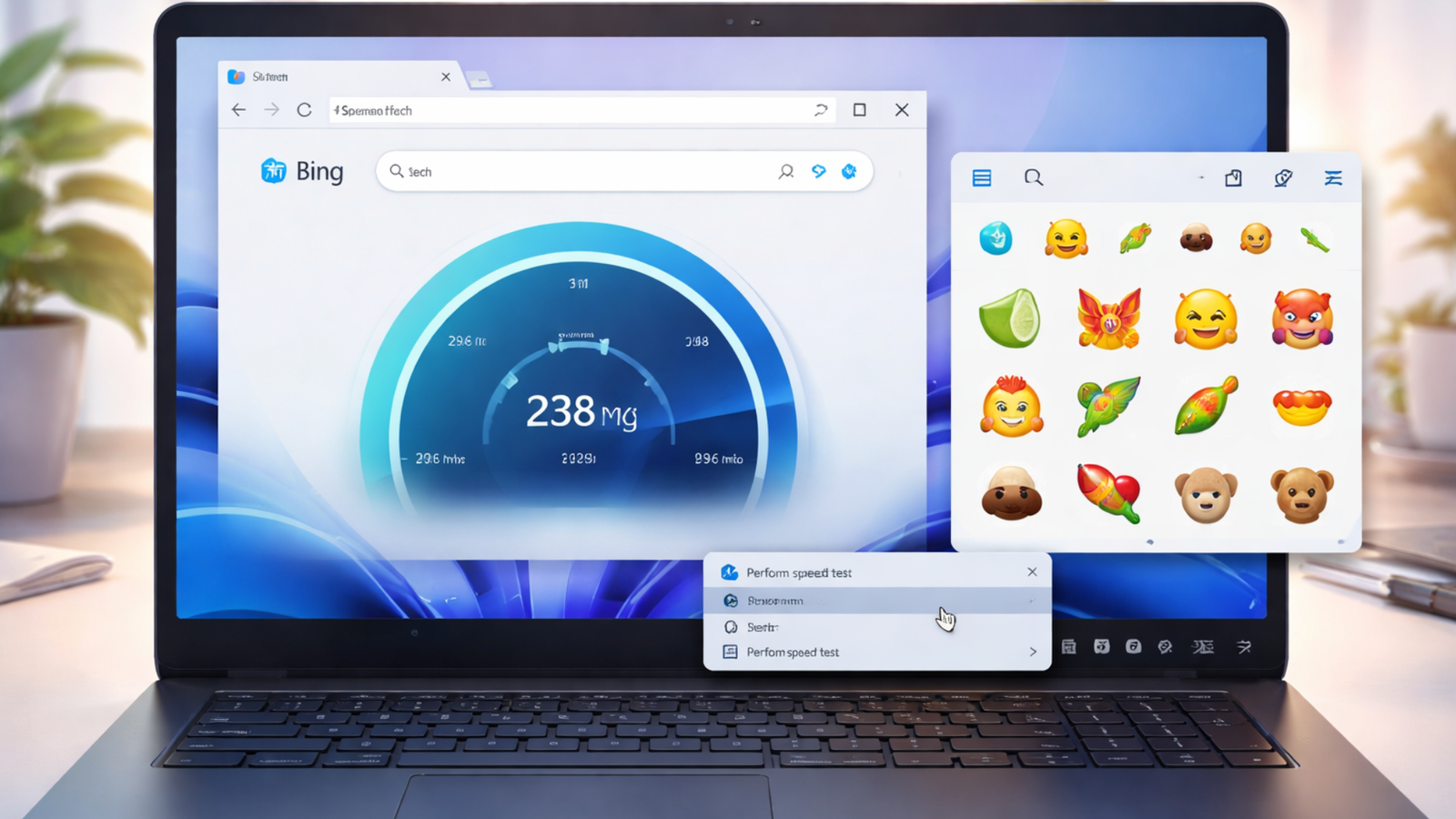
Microsoft began distributing its March 2026 Patch Tuesday update on March 10, rolling out security fixes and a handful of new features to both Windows 11 and Windows 10. Microsoft is updating Windows 11 with two new features. The latest Emoji 16 standard is now supported in the emoji panel, while a new Internet Speed Test tool has also been introduced, functioning as a direct shortcut to Bing.com.
Among the additions is a “Perform speed test” button that now appears in the taskbar's right-click menu for Ethernet and Wi-Fi connections, though the feature works as a browser redirect rather than a built-in diagnostic tool.
Clicking the button launches the user's default browser and takes them to Bing.com with a pre-filled internet speed test search. The rollout follows an earlier optional preview via the Windows 11 KB5077241 update in late February; it is now being rolled out more widely to all eligible devices as part of the security update cycle.
Also Read | Running out of battery soon? New AI system may help build longer-lasting devices
How does it work?
The shortcut honours the system's default browser by invoking a standard https/html URL type, meaning users who prefer Chrome or Firefox will not be forced to open Microsoft Edge. On Bing, the speed test is powered by Ookla's SpeedTest platform, a partnership Microsoft adopted after retiring its own Azure-based measurement tool. Ookla was recently acquired by Accenture. The Bing-hosted tool measures both download and upload speeds by transferring sample data to SpeedTest servers.
No removal option yet
At present, there is no setting available to remove the “Perform speed test” option from the taskbar context menu. Users also cannot redirect the shortcut to another service or application. Windows 10 did not receive an equivalent feature in the March update.
Also Read | Renault Bridger concept to debut tomorrow: What to expect from the rugged compact SUV
A different approach
Microsoft previously released a standalone Network Speed Test application for Windows 8, built using the XAML native framework. That app displayed connection details such as network name, connection type, and internet status, and also kept a history of previous test results, functionality that is not available in the current browser-based shortcut.